
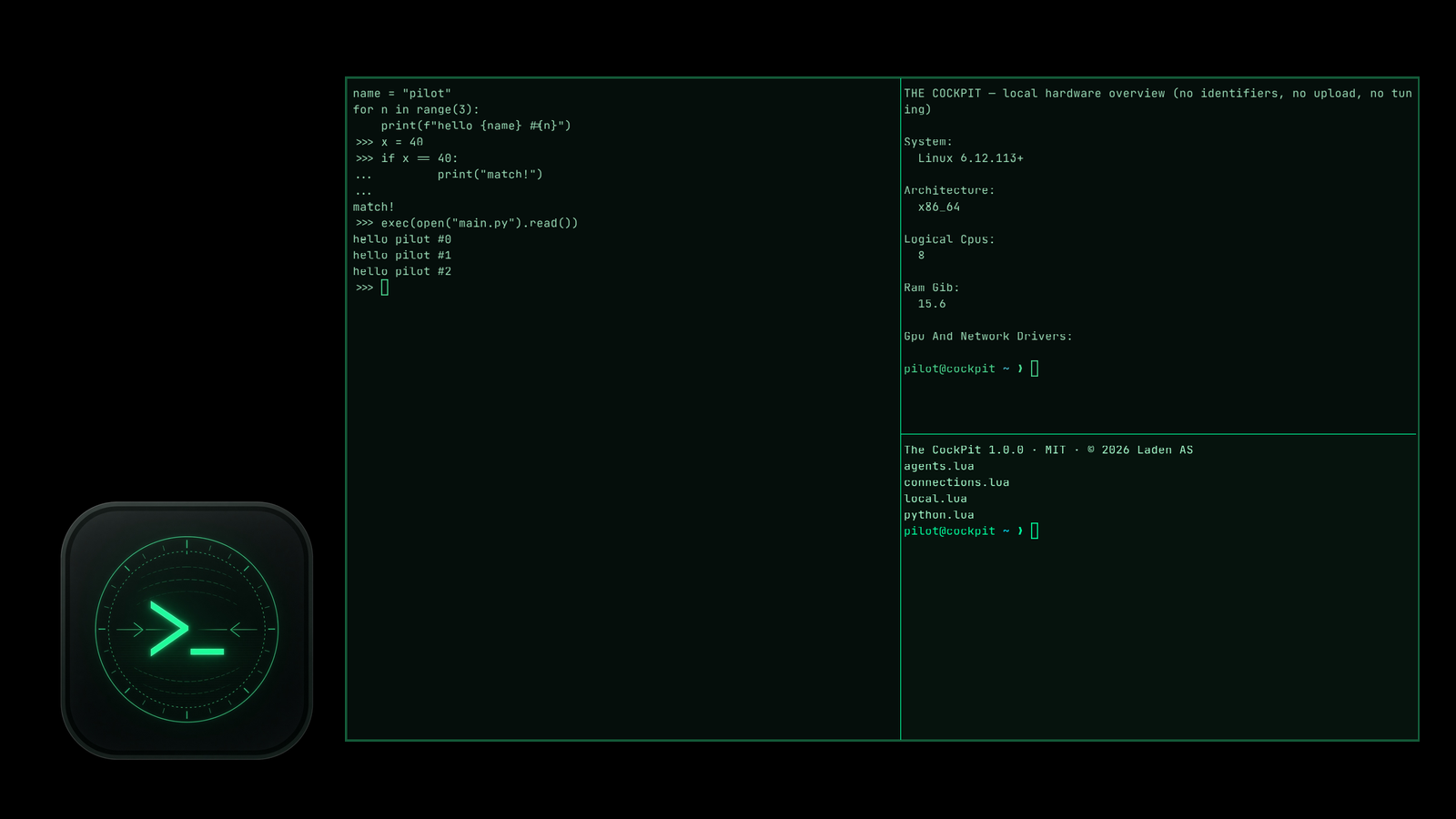
Version 1.1.0 is ready for Linux (.tar.gz, AppImage and .deb), Windows and macOS. Here’s what changed.
What’s new
- IPython where you work. Start it from the menu in the Python you pick: system Python or your project’s .venv or venv. On Linux and macOS you can also run
cockpit --ipython. Nothing is installed into your project for you. - Intel Journal, on Linux. Local Markdown notes with a folder you choose, a case label, selected text and
cockpit-journal run -- …to log a single command. A separate capture tab logs printed output only while capture is on. - The window title now says The CockPit, on every platform.
You decide what gets saved
The journal and capture are Linux only for now, and capture is off by default. The journal doesn’t hook into your shell or read your history, and passwords typed without echo aren’t recorded. Notes stay on your machine, in ~/Documents/TheCockPit/Intel unless you pick another folder. Logged output can contain whatever was on screen, so switch capture on only when you want a record.
First launch on Windows and Mac
Like 1.0.0, the files are not code-signed and the Mac app is not notarized. Windows may ask once before it starts. On a Mac, right-click the app and choose Open the first time. After that, it opens like any other app.
Everything from 1.0.0 is still there: the right-click menu, fish, Python learning with the AI tutor, SSH only when you ask, and the hardware overview. Check each file against its SHA-256 checksum on the download page.
The 1.1.0 source is in the downloads. The source and packages are also on GitHub. The CockPit is built on WezTerm by Wez Furlong, which ships in the packages. Thanks again, Wez.
© 2026 Laden AS, released under the MIT License.